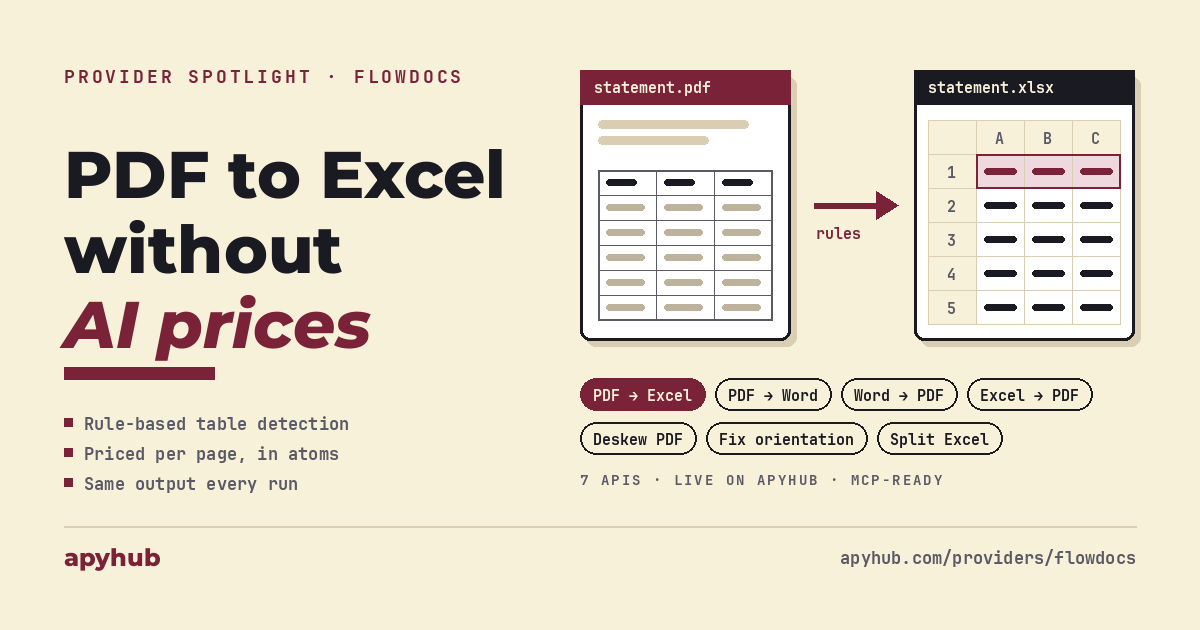
PDF to Excel API: why FlowDocs uses rules instead of AI for tables
For teams turning invoices, statements, and reports into spreadsheets.
01Introduction
FlowDocs converts PDFs into Excel and Word files using rule-based table detection instead of a large AI model. Its seven document APIs are now live on ApyHub, billed per page, and callable from code or from an AI agent through ApyHub MCP.
If you are adding PDF-to-Excel conversion to an app or workflow, the obvious shortcut today is an AI model: send it the PDF, ask for a table, use what comes back. It works well in a demo. At real volume it becomes one of the most expensive lines in your stack, and the output can change from one run to the next.
This post explains where rule-based conversion wins, where AI is still the better tool, and what each FlowDocs API does.
02The cost of AI-based conversion
With an AI model you pay for every page, every time. A 50-page bank statement means 50 pages of model processing. A business handling thousands of documents a month pays for all of them, and pays again whenever a result comes back wrong and has to be rerun.
Accuracy is a second cost. Model output is probabilistic, so a value can be misread, or a cell can be filled with a number that was never in the source. For a spreadsheet that feeds accounting or reporting, every one of those errors has to be found by a person.
03Why rule-based conversion is cheaper
Most tables in digital PDFs already carry their structure: rows, columns, borders, and text positions sit in the file. FlowDocs reads that structure directly. It does not ask a model to reconstruct it from scratch.
That changes three things:
- Cost per page stays low and flat. There is no model inference behind each page.
- Output is repeatable. The same digital PDF produces the same spreadsheet every time.
- Values come from the file. The converter copies what is in the document and does not generate content.
Scanned PDFs are a different case. A scan has no text layer, so text has to be recognized from the image first. An independent July 2026 benchmark of local extraction tools on a scanned table found that native PDF extractors could not read the page at all, and recommended checking for a text layer before picking a pipeline. FlowDocs handles scans with a recognition step, which is why scanned pages cost more than digital ones.
04Pricing you can predict
FlowDocs prices by page and by document type, so you know the cost of a document before you send it:
| Document | Price on ApyHub |
|---|---|
| Digital (native) PDF to Excel or Word | 100 atoms + 2 atoms per page |
| Scanned PDF to Excel or Word | 100 atoms + 5 atoms per page |
| Deskew scanned pages | 50 atoms + 1 atom per page |
A 50-page digital bank statement converted to Excel costs 200 atoms. The same statement as a scan costs 350 atoms. Status checks cost 1 atom and the download costs 10 atoms.
The final charge is calculated after the job finishes, from the actual page count, so a 2-page invoice and a 200-page report on the same endpoint are each billed for the work they needed. That lets you price your own product, forecast monthly spend, and scale without surprises. [VERIFY: atom-to-dollar figure for a like-for-like comparison with a model's per-page cost, if FlowDocs wants to publish one]
05When AI is still worth it
AI models are the right tool for some jobs: pulling a few fields out of a messy, unstructured document, reading handwriting, or summarizing a long contract. There you are paying for real understanding.
Tables with complex layouts, heavily merged cells, or poor-quality scans can also be a better fit for a vision model. [VERIFY with FlowDocs: known limits for borderless tables, merged cells, and tables that span pages]
Turning a clean, well-structured table into a spreadsheet is a different problem. The structure is already in the file, and paying model prices to rebuild it is the most expensive way to get the result.
06The FlowDocs APIs on ApyHub
All seven APIs follow the same job pattern: submit files, poll the job status, download the result. Each also has an /overall-status endpoint for tracking a batch.
Convert PDF to Excel
Convert PDF to Excel turns invoices, reports, and exported statements into .xlsx workbooks. Upload up to five PDFs per request, 100 MB in total.
Convert PDF to Word
Convert PDF to Word produces editable .docx files from PDFs, for reusing report content or migrating document archives.
Convert Word to PDF
Convert Word to PDF accepts .docx, .doc, .rtf, and .odt files and returns PDFs for standardized delivery.
Convert Excel to PDF
Convert Excel to PDF turns .xlsx, .xlsm, and .xls workbooks into PDFs for sharing and reporting.
Deskew PDF
Deskew PDF straightens slightly tilted scanned pages before OCR, indexing, or archiving.
Fix PDF orientation
Fix PDF Orientation detects pages that are upside down or sideways using OCR and rotates them upright.
Split Excel
Split Excel breaks one .xlsx or .xlsm workbook into separate files, one per value group, for example one file per customer or per region.
Browse all FlowDocs APIs on ApyHub
07For developers: one conversion, three calls
Submit a PDF to Convert PDF to Excel:
curl -X POST "https://api.eu.apyhub.com/flowdocs/convert-pdf-to-excel" \
  -H "apy-token: $APY_TOKEN" \
  -F "files=@/path/to/statement.pdf"
The response returns a job for each file:
{
  "jobs": [
    {
      "job_id": "a1b2c3d4",
      "filename": "statement.pdf",
      "status": "queued",
      "progress": 0
    }
  ]
}
Poll the job until status is done or failed:
curl -X GET "https://api.eu.apyhub.com/flowdocs/convert-pdf-to-excel/status/a1b2c3d4" \
-H "apy-token: $APY_TOKEN"{
"job_id": "a1b2c3d4",
"status": "done",
"progress": 100,
"error": null
}Then download the workbook as a binary file:
curl -X GET "https://api.eu.apyhub.com/flowdocs/convert-pdf-to-excel/download/a1b2c3d4" \
  -H "apy-token: $APY_TOKEN" \
-o statement.xlsx08For business users: try it in Claude or ChatGPT
Every FlowDocs endpoint is accessible through ApyHub MCP, so AI agents can discover, evaluate, and call these APIs directly without a hand-written wrapper or tool definition. ApyHub MCP runs in dedicated EU and US regions.
In ChatGPT, add ApyHub EU from the connector directory. In Claude, add ApyHub as a custom connector. Then try prompts like these:
- "Convert this bank statement PDF into an Excel file with one row per transaction."
- "These scanned invoices are tilted. Straighten the pages, then turn them into a spreadsheet."
- "Split this sales workbook into one file per region."
[VERIFY: file upload support through the MCP connector in Claude and ChatGPT before publishing these prompts]
09Conclusion
AI models earn their cost on unstructured documents. Structured tables in digital PDFs do not need them. FlowDocs reads the structure that is already in the file, charges per page, and returns the same spreadsheet every time, which makes document conversion something you can budget for and build a product on.
For more on why tables are the hard part of this problem, read The hard part of PDF-to-Excel isn't the text. It's the table.
Start converting with FlowDocs on ApyHub
10FAQ
What does the FlowDocs PDF to Excel API do? It converts PDF files into .xlsx workbooks by reading the table structure in the document. You submit files, poll the job status, and download the finished workbook.
Does FlowDocs use AI to convert PDFs? Digital PDFs are converted with rule-based table detection. Scanned PDFs go through a text recognition step first, which is why they are priced higher.
How much does it cost to convert a PDF to Excel? Digital PDFs cost 100 atoms plus 2 atoms per page. Scanned PDFs cost 100 atoms plus 5 atoms per page. A 50-page digital statement costs 200 atoms.
Will the same PDF always produce the same spreadsheet? Yes, for digital PDFs. The conversion reads the file's own structure, so repeated runs give identical output.
How many files can I convert in one request? Up to five PDFs per request, with a 100 MB limit across all files.
Can I convert scanned or tilted documents? Yes. Scanned PDFs are supported directly, and you can run Deskew PDF or Fix PDF Orientation first to clean up crooked or rotated pages.
How do I test the FlowDocs APIs? Use the Try it panel on each service page, call the endpoints with curl as shown above, or save the requests in Voiden, an offline, Git-native API client that stores each request as a Markdown file you can version with your code.
Can AI agents use FlowDocs APIs? Yes. Every FlowDocs endpoint is available through ApyHub MCP, so agents in Claude, ChatGPT, and other MCP clients can find and call them.
11About ApyHub
ApyHub is a curated API catalog and trusted operational layer for developers and AI agents. One subscription, priced in atoms, covers the full catalog of over 1,500 endpoints and growing. Every endpoint ships with machine-readable certification aligned with GDPR, SOC 2, and ISO 27001, and is MCP-ready by default. ApyHub is headquartered in Amsterdam, with offices in the Netherlands, Greece, and India, and serves 65,000+ developer workspaces every month [VERIFY]. Start on the free tier with no card required.
Building an API of your own? Become an ApyHub provider.