apyhub
FILE CONVERSION · SMART GENERATION

Convert HTML Content to PDF API

Hosted on ApyHub

What it does

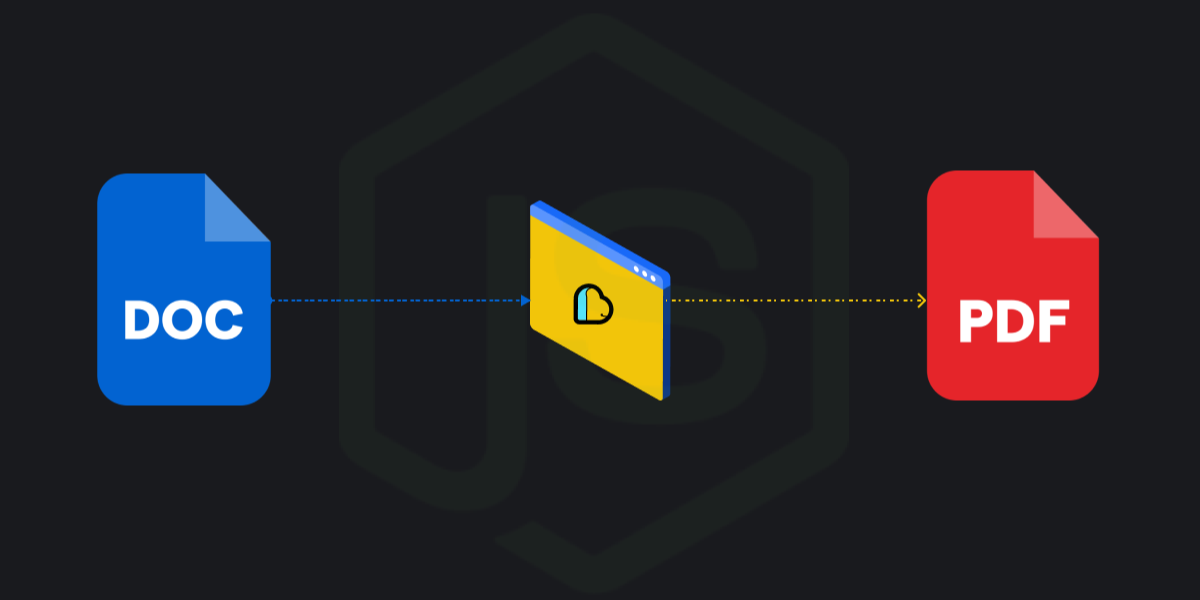
HTML to PDF turns an HTML content string into a PDF, either as a direct download or as a signed link. Send the HTML in content, and choose whether you want the result returned as a binary file from /download or as a URI from /link.

Use landscape when the page should render horizontally. The download endpoint also accepts an output query parameter so you can name the file returned by the service. The link endpoint is useful when you want to hand off the generated PDF through a temporary URL instead of streaming the file immediately.

This is a good fit for generating invoices, reports, tickets, receipts, or any other document you already build in HTML. If your system already renders templates in the browser or server-side, you can reuse that markup and convert it into a PDF without changing your document layout.

HTML to PDF keeps the interface simple: one required body field and a small set of rendering options. That makes it easy to add PDF export to an existing workflow, batch job, or customer-facing download flow.

▣ ENDPOINT 01 / 02
POST
Render HTML content string to PDF download
http://localhost:8080/apyhub/convert-html-content-to-pdf/download
QUICKSTARTGUIDE

Quickstart

Convert simple HTML into a PDF by sending the HTML content and downloading the generated file.

curl -X POST "http://localhost:8080/apyhub/convert-html-content-to-pdf/download?output=output.pdf" \
  -H "apy-token: $APY_TOKEN" \
  -H "Content-Type: application/json" \
  -d '{"content":"<html><body><h1>Hello</h1></body></html>"}'

What you'll get back

Returns a binary file response (string with format: binary) containing the generated PDF.

TRY ITLIVE · 50 ATOMS
Loading your default key…
The full key is used to call the gateway and stays in this tab — never sent to orbit or saved.
body*

About this endpoint

What it does

Converts the provided HTML content string into a PDF and returns the generated file as a binary download. The request supplies the HTML in the body and can optionally specify the output filename and page orientation.

Query Parameter(s)

AttributeTypeMandatoryDescription
outputStringNoOutput filename for the generated PDF.
landscapeBooleanNoPage orientation flag. Defaults to false.

Request Body

ParameterTypeMandatoryDescription
contentStringYesHTML content string to render into a PDF.

Response

Returns a binary PDF download as the response body. The output schema is a single string with binary format, so there is no JSON wrapper or named response field to read.

Query parameters

Name
Type
Description
outputOPTIONAL
string
landscapeOPTIONAL
boolean
DEFAULT false

Body

Name
Type
Description
bodyREQUIRED
object
▣ ENDPOINT 02 / 02
POST
Render HTML content string to PDF signed link
http://localhost:8080/apyhub/convert-html-content-to-pdf/link
QUICKSTARTGUIDE

Quickstart

Send the HTML content you want converted to PDF in the JSON body.

curl -X POST "http://localhost:8080/apyhub/convert-html-content-to-pdf/link" \
  -H "apy-token: $APY_TOKEN" \
  -H "Content-Type: application/json" \
  -d '{"content":"<html><body><h1>Hello</h1></body></html>"}'

What you'll get back

Returns a JSON object with a data string field containing a URI to the generated PDF.

{
  "data": "https://example.com/generated.pdf"
}
TRY ITLIVE · 50 ATOMS
Loading your default key…
The full key is used to call the gateway and stays in this tab — never sent to orbit or saved.
body*

About this endpoint

What it does

Renders the provided HTML content string into a PDF and returns a signed link to the generated file. The HTML is supplied in the request body, and the response contains the PDF URL as a string.

Query Parameter(s)

AttributeTypeMandatoryDescription
landscapeBooleanNoSets the PDF orientation. Default: false.

Request Body

ParameterTypeMandatoryDescription
contentStringYesHTML content to render into a PDF.

Response

Returns a JSON object with a data string field formatted as a URI. The data field contains the signed link to the generated PDF.

ParameterTypeMandatoryDescription
dataStringYesSigned PDF link returned as a URI.

Query parameters

Name
Type
Description
landscapeOPTIONAL
boolean
DEFAULT false

Body

Name
Type
Description
bodyREQUIRED
object
▣ COMMON ERRORS

Errors any endpoint can return

400bad_request

Required parameter missing or malformed body.

401unauthorized

API key missing, revoked, or not authorized for this service.

429rate_limited

Your plan's per-second rate exceeded. Retry with exponential backoff.

503upstream_busy

Backend temporarily unavailable. Try again in a few seconds.