How to Extend ChatGPT's Capabilities With Plugins: Files, Data, Validation and More
01Introduction
ChatGPT is good at writing and reasoning, and it has clear limits. On its own it can't reliably produce a real PDF, check a VAT number against the EU registry, read a page it can't load, or tell you today's exchange rate. Plugins close that gap. They are add-ons from the Plugins directory that let ChatGPT call outside tools during a conversation and bring back real results.
This guide covers the kinds of capabilities you can add to ChatGPT, grouped by category, with prompts you can paste straight into a chat. The examples use the ApyHub EU plugin, which connects ChatGPT to a catalog of over 1,500 API endpoints, and growing, in one install.
02ChatGPT plugins, connectors, apps and add-ons: what's the difference
People search for all four words, and they mostly mean the same thing.
- Plugins is OpenAI's current name. On July 9, 2026, OpenAI moved its app directory into a single Plugin directory, shared between ChatGPT and Codex. A plugin can bundle apps, skills and templates.
- Apps and connectors are the integrations inside a plugin that connect ChatGPT to an outside service. Most are built on the Model Context Protocol (MCP), an open standard for connecting AI assistants to tools.
- Add-ons, addons and extensions are the everyday words people use for any of the above. Browser extensions for ChatGPT are a separate thing and are not covered here.
Plugins extend ChatGPT in two ways. Some bring your own data into the conversation: your email, your docs, your project tracker. Others add capabilities: things ChatGPT can do that it couldn't before, like converting files or validating data against live sources. This guide is about the second kind.
03How to add a capabilities plugin to ChatGPT
- Open Plugins. In the ChatGPT sidebar, select Plugins. Some accounts show it under More.
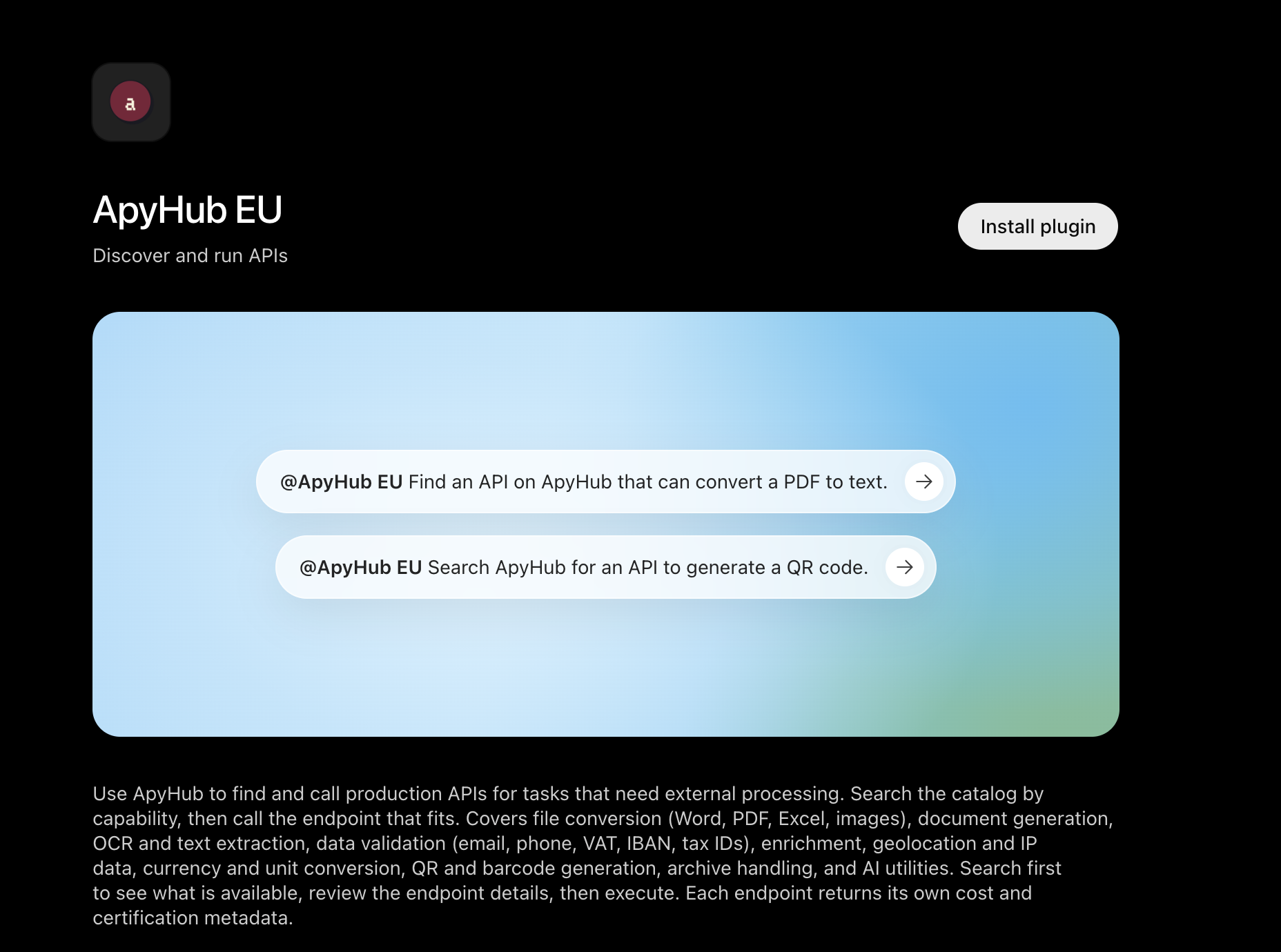
- Find ApyHub EU. It's listed as "ApyHub EU: Discover and run APIs". Search for "ApyHub" if you don't see it.
- Install it. Select Install plugin (or the + next to the listing).
- Sign in to ApyHub. ChatGPT sends you to ApyHub to authorize the connection. If you don't have an account, you can create one on the free plan with no credit card.
- Use it in a chat. Type @ApyHub EU followed by your request, or pick ApyHub from the + menu in the message box.
Plugin availability depends on your ChatGPT plan, region and workspace settings. On Business and Enterprise workspaces, an admin may need to allow the plugin under Workspace settings > Plugins first.
04What you can add to ChatGPT, by category
Each category below lists what ChatGPT can do once the plugin is installed, with prompts that work well. You don't need to know which API to use. Describe the task, and ChatGPT searches the catalog, picks the right endpoint and runs it.
File conversion
Turn documents into the format you need, and get a real file back.
Capabilities: Markdown to PDF, PDF to Word, HTML to Word, spreadsheets to PDF, plus image and audio formats.
Try:
@ApyHub EU Turn this markdown into a PDF I can send to a client.@ApyHub EU Convert this PDF into an editable Word document.@ApyHub EU Make a PDF from this Excel file.
Text and data extraction
Pull the useful content out of documents and web pages.
Capabilities: text from PDFs, text from Word files, text from a webpage, structured invoice data, OCR on scanned documents.
Try:
@ApyHub EU Extract the text from this PDF and summarize the key points.@ApyHub EU What does this page say? [paste URL]@ApyHub EU Pull the vendor, date, line items and total from this invoice.
Data validation
Check business data against live sources, which a model can't do from memory.
Capabilities: EU VAT numbers (single or in batches), IBANs, email addresses including disposable domains, phone numbers and tax IDs.
Try:
@ApyHub EU Is this EU VAT number valid? NL862735944B01@ApyHub EU Check this IBAN and tell me which country and bank format it belongs to.@ApyHub EU Which of these signup emails are disposable?
Live and standard data
Get current values instead of whatever the model last saw in training.
Capabilities: currency conversion with historical dates, one currency to many, country and currency reference data, IP geolocation.
Try:
@ApyHub EU What's 4,200 EUR in USD, GBP and JPY today?@ApyHub EU What was the EUR to USD rate on March 31 this year?@ApyHub EU Where is this IP address located?
Generation
Create files and assets that ChatGPT can hand you directly.
Capabilities: QR codes for links, contact cards and Wi-Fi, calendar invites (.ics), text to speech, webpage screenshots, charts.
Try:
@ApyHub EU Make a QR code for our guest Wi-Fi.@ApyHub EU Create a calendar invite for Thursday 3pm to 4pm Athens time, titled "Q4 planning".@ApyHub EU Turn this paragraph into an MP3 voiceover.
Files, images and archives
Handle files that are too big, too heavy or zipped.
Capabilities: image compression, video compression, watermarking, unzipping .zip, .rar and .7z archives.
Try:
@ApyHub EU Compress these product images for the web.@ApyHub EU Unzip this archive and list what's inside.
SEO and web
Check how pages perform and rank.
Capabilities: Google rankings for a keyword, readability scores, page audits.
Try:
@ApyHub EU Who ranks in the top 10 on Google for "invoice software" in the US?
These categories are a starting point. The full catalog also covers AI, security and privacy, finance, HR and travel. If you're unsure whether something exists, ask: @ApyHub EU Is there an API for [task]?
05Example workflows that chain several APIs
Capabilities add up when one request needs more than one step. ChatGPT runs each call in sequence and passes the results along.
- Supplier onboarding: "Check this supplier's VAT number, validate their IBAN, and draft a short confirmation email." Two validation calls, then ChatGPT writes the email.
- Research to report: "Read these three pages, summarize the differences, and give me the summary as a PDF." Webpage text extraction, then Markdown to PDF.
- Event setup: "Create a calendar invite for the launch and a QR code linking to the RSVP page." An .ics file and a QR image in one reply.
06What happens under the hood
For developers who want to know what ChatGPT does with a request. The ApyHub MCP server exposes a small set of tools: search the catalog, read an endpoint's spec, and call it. Every endpoint in the catalog is reachable through those tools, so there's no per-API wrapper or tool definition to write.
When you ask to validate a VAT number, ChatGPT searches the catalog, finds the Validate EU VAT API, reads its input schema and makes a call like this:
json
{
  "service": "validate-vat-number",
  "endpoint": "validate-a-vat-number",
  "args": {
    "body": { "vat": "NL862735944B01" }
  }
}
The response comes back as structured JSON, which ChatGPT then explains in plain language:
json
{
  "data": true
}
The same MCP server works in Claude, Cursor and your own agents, so a workflow you prove out in ChatGPT carries over. Each endpoint also returns its cost and certification metadata, so an agent can check both before it commits to a call.
07For API providers
If you publish an API on ApyHub, it's reachable from ChatGPT through the plugin with no extra work on your side. Users describe a task, and your endpoint can be the one ChatGPT picks.
08Conclusion
Plugins are how you extend ChatGPT beyond writing and reasoning. With a capabilities plugin, it can produce files, read documents and pages, validate data and fetch live values. The ApyHub EU plugin adds all of these in one install, drawn from a catalog that keeps growing. Install it, describe the task, and ChatGPT finds the right API.
09FAQ
How can I extend what ChatGPT can do? Install plugins from the Plugins directory in ChatGPT. Capability plugins such as ApyHub EU let ChatGPT convert files, extract text, validate data and fetch live information, which it can't do reliably on its own.
What are ChatGPT plugins? Plugins are add-ons you install from the Plugins directory in ChatGPT. They connect ChatGPT to outside services so it can take actions or fetch data during a chat. Since July 2026, "plugins" is OpenAI's name for what used to be the app directory.
Are ChatGPT add-ons the same as plugins? Yes, in practice. "Add-ons", "addons", "connectors" and "integrations" are the words people use, and "plugins" is what the directory in ChatGPT calls them.
How do I install the ApyHub plugin in ChatGPT? Open Plugins in the ChatGPT sidebar, find ApyHub EU, select Install plugin and sign in to ApyHub. Then type @ApyHub EU in any chat.
Is the ApyHub plugin free? ApyHub has a free Starter plan with no credit card required. It includes a daily call limit and a monthly usage cap, which covers testing and light use. Paid plans raise both limits.
Why is it called ApyHub EU? The plugin connects to ApyHub's EU infrastructure region. ApyHub B.V. is a Dutch company headquartered in Amsterdam, and APIs in the catalog carry machine-readable GDPR certification, so European teams can use them in ChatGPT with the compliance details visible up front.
Is the ApyHub plugin GDPR compliant? APIs in the ApyHub catalog carry machine-readable GDPR certification, along with SOC 2 and ISO 27001, and each endpoint returns its certification metadata with every call. ApyHub is an EU company based in Amsterdam, and the ApyHub EU plugin runs on EU infrastructure.
What kinds of tasks is the ApyHub plugin best for? Tasks that need a real outside result: generating or converting files, extracting text from documents and web pages, validating VAT, IBAN and email data, and getting live exchange rates. ChatGPT alone can describe these, but it can't produce or verify them reliably.
Which ChatGPT plans support plugins? Availability depends on your plan, region and workspace settings, according to OpenAI. On Business and Enterprise workspaces, admins control which plugins are allowed.
How can I test an ApyHub API outside ChatGPT? Every API page in the catalog has a "Try it" option in the browser. You can also use Voiden, a free, open-source API client that stores requests as plain Markdown files, or any HTTP client such as curl.
Can I use the same APIs in Claude or Cursor? Yes. The ApyHub MCP server is a standard MCP server, so the same catalog works in Claude, Cursor and custom agents with one ApyHub account.
10Sources
- OpenAI Help Center, "Apps in ChatGPT", notes the migration of the app directory to the Plugin directory as of July 9, 2026, and the install flow: help.openai.com
- OpenAI Developers, Plugins changelog, 2026: ChatGPT reads MCP server instructions alongside tool metadata: developers.openai.com/plugins/changelog
11About ApyHub
ApyHub is a curated API catalog and trusted operational layer for developers and AI agents. It offers over 1,500 endpoints and capabilities, and the catalog keeps growing. Every API is available under a single subscription priced in atoms, a per-call unit that reflects the actual compute work each request needs. ApyHub B.V. is a European company headquartered in Amsterdam, with EU-hosted infrastructure. APIs carry machine-readable certification for GDPR, SOC 2 and ISO 27001, and every endpoint is MCP-ready by default. ApyHub serves 65,000+ monthly developer workspaces. The free tier needs no credit card. API providers can list their APIs at apyhub.com/api-provider.