Engineering
Image to Text Converter: Boosting Developer Workflows
Image to text converter APIs transform images into text for automation. Learn workflow integration, common use cases, error handling, and security basics.

NI
Nikolas Dimitroulakis
Last updated on December 30, 2025
Image to Text Converter: Boosting Developer Workflows

More than 80 percent of American software startups face slowdowns when dealing with manual document workflows. This challenge stretches far beyond the United States, especially as startups and mid-sized firms worldwide push for faster and more accurate digital solutions. With growing demand for APIs that turn images into actionable text, developers can discover powerful strategies for automating documentation and eliminating common bottlenecks while protecting sensitive data.
Table of Contents
- How Image To Text Conversion Works
- Major Types Of Image To Text APIs
- Top Use Cases For Documentation Automation
- Best Practices For Api Integration
- Addressing Challenges And Security Concerns
Key Takeaways
| Point | Details |
|---|---|
| Advanced Technologies | Image to text conversion utilizes AI techniques like computer vision and natural language processing for high-precision text extraction. |
| API Varieties | Different types of image to text APIs cater to various needs, including traditional OCR, AI-powered OCR, and multilingual capabilities. |
| Automation Use Cases | AI-powered documentation automation can streamline processes in software development, legal services, and compliance reporting. |
| Security Challenges | Addressing technical limitations and security concerns is crucial for maintaining the integrity and privacy of extracted data during the conversion process. |
How Image to Text Conversion Works
Image to text conversion is a sophisticated technological process that transforms visual information into machine-readable textual data through advanced artificial intelligence techniques. By leveraging computer vision and natural language processing algorithms, these systems can extract meaningful text from complex visual sources like photographs, documents, and digital screenshots.
The conversion process typically involves several sophisticated stages that enable precise text recognition. These stages include:
- Image Preprocessing: Cleaning and normalizing the input image by reducing noise, adjusting contrast, and correcting orientation
- Text Detection: Identifying potential text regions within the image using machine learning models
- Character Recognition: Analyzing individual characters using deep learning neural networks to translate visual patterns into readable text
- Language Understanding: Contextualizing extracted text to improve accuracy and coherence
Modern image to text converters utilize advanced deep learning architectures like convolutional neural networks (CNNs) and transformer models that can handle diverse text formats. These AI algorithms combine computer vision techniques with natural language processing to extract text from complex visual sources, enabling high-precision text recognition across multiple languages and writing styles.

Pro Tip: When working with image to text conversion APIs, always preprocess and normalize your images to improve text extraction accuracy and reduce potential errors.
Major Types of Image to Text APIs
Image to text APIs have evolved significantly, offering developers diverse solutions for extracting textual information from visual sources. These APIs primarily rely on Optical Character Recognition (OCR) technology, enabling sophisticated text extraction capabilities across multiple use cases and industries.
The primary categories of image to text APIs include:
- Traditional OCR APIs: Focus on basic character pattern recognition, suitable for standard document scanning
- AI-Powered OCR APIs: Utilize advanced machine learning and deep learning models for enhanced accuracy
- Specialized Document APIs: Designed for extracting structured data from complex documents like invoices, receipts, and contracts
- Multilingual Recognition APIs: Support text extraction across multiple languages and writing systems
Each API type offers unique capabilities tailored to specific development requirements. Traditional OCR APIs work best with clean, well-formatted documents, while AI-powered solutions can handle more complex image scenarios, including handwritten text, skewed documents, and images with varying backgrounds. Specialized document APIs go beyond simple text extraction, providing contextual understanding and structured data parsing.
Modern image to text APIs support multiple input formats including JPEG, PNG, TIFF, and PDF, returning extracted text in formats like JSON, plain text, and structured data. This flexibility allows developers to integrate text extraction seamlessly into document management, accessibility tools, data digitization projects, and automated workflow solutions.
Here's a comparison of the major types of image to text APIs and their ideal use cases:
| API Type | Core Technology | Best for | Typical Output Format |
|---|---|---|---|
| Traditional OCR | Pattern recognition | Standard printed documents | Plain text |
| AI-Powered OCR | Deep learning & AI | Handwriting, noisy images | JSON, text, structured data |
| Specialized Document | Logic-based parsing | Invoices, financial forms | Structured data |
| Multilingual Recognition | NLP & OCR | Global, multi-language docs | Text in various languages |
Pro Tip: When selecting an image to text API, always test multiple providers with your specific use case to ensure optimal accuracy and performance.
Top Use Cases for Documentation Automation
AI-powered documentation automation represents a transformative approach for organizations seeking to streamline complex documentation processes across multiple industries. By leveraging advanced multi-agent collaborative systems, companies can generate, update, and maintain comprehensive documentation with unprecedented efficiency and accuracy.
Key use cases for documentation automation include:
- Software Development: Automatically generating API documentation, code comments, and technical specifications
- Legal Services: Creating standardized contract templates and automatically updating legal documents
- Technical Writing: Generating user manuals, product guides, and system documentation
- Compliance and Regulatory Reporting: Producing consistent, error-free compliance documentation
Document automation systems support sophisticated logic-based templates that enable dynamic content generation, conditional text insertion, and seamless workflow integration. These technologies dramatically reduce manual data entry, minimize human error, and accelerate document production cycles across various sectors including finance, healthcare, and technology.
The most advanced documentation automation platforms now incorporate artificial intelligence and machine learning algorithms that can understand context, analyze existing documentation, and generate nuanced, contextually appropriate content. This allows organizations to maintain consistently high-quality documentation while significantly reducing the time and resources traditionally required for manual document creation and maintenance.
Pro Tip: Implement a staged rollout of documentation automation tools, starting with the most repetitive and standardized document types to minimize initial implementation complexity.
Best Practices for API Integration
API security best practices are critical for developers seeking robust and reliable integration strategies. Implementing comprehensive security measures ensures that APIs remain protected against potential vulnerabilities while maintaining optimal performance and user trust.
Key integration best practices include:
-
Authentication and Authorization
- Implement strong token-based authentication
- Use OAuth 2.0 or similar secure protocols
- Enforce granular access controls
-
Security Protocols
- Encrypt all data in transit
- Validate and sanitize all input parameters
- Implement rate limiting to prevent abuse
Secure API design requires careful consideration of communication protocols and architectural patterns, emphasizing clear separation of concerns and standardized interaction methods. Developers must prioritize comprehensive input validation, robust error handling, and detailed logging mechanisms to create resilient integration strategies.
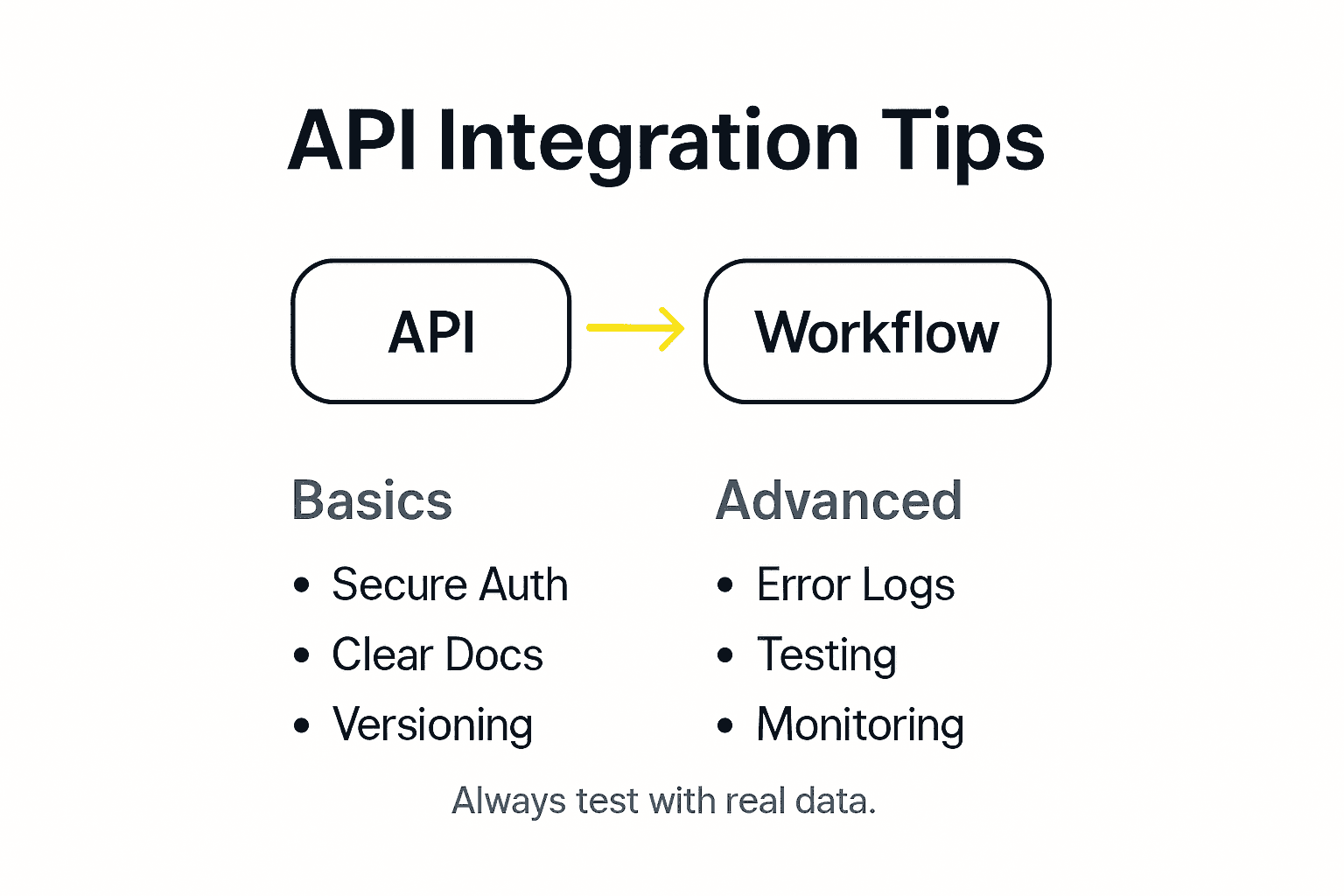
Successful API integration demands a holistic approach that combines technical implementation with proactive security measures. This includes regular security assessments, automated vulnerability scanning, and continuous monitoring of API endpoints to detect and mitigate potential threats before they can be exploited.
Pro Tip: Implement a comprehensive API testing strategy that includes both functional and security testing during each development sprint to identify and address potential vulnerabilities early in the integration process.
Addressing Challenges and Security Concerns
AI-powered image-to-text technologies present complex security and technical challenges that developers must strategically navigate to ensure robust and reliable performance. The transformation of visual data into machine-readable text requires sophisticated approaches that balance technological capabilities with stringent privacy and security considerations.
Key challenges in image-to-text conversion include:
-
Technical Limitations
- Handling poor image quality and resolution
- Processing complex document layouts
- Managing diverse font styles and handwriting recognition
- Supporting multiple language inputs
-
Security Concerns
- Protecting sensitive data during processing
- Preventing unauthorized access to extracted information
- Ensuring compliance with privacy regulations
- Implementing secure data transmission protocols
Generative AI and image-to-text converters face significant privacy challenges that demand comprehensive security architectures. These include mitigating risks of data leakage, preventing model manipulation, and developing robust anonymization techniques that protect individual privacy while maintaining extraction accuracy.
Successful mitigation of these challenges requires a multifaceted approach combining advanced machine learning algorithms, rigorous security protocols, and continuous vulnerability assessment. Developers must implement adaptive frameworks that can dynamically respond to emerging security threats while maintaining the high performance and reliability expected in modern image-to-text conversion technologies.
The following table summarizes common technical and security challenges in image-to-text conversion and recommended mitigation strategies:
| Challenge Category | Example Issue | Recommended Solution |
|---|---|---|
| Technical | Low image quality | Use advanced preprocessing algorithms |
| Security | Data leakage risk | Implement strict access control & encryption |
| Privacy | Sensitive info exposure | Data anonymization before processing |
| Compliance | Regulatory requirements | Regular audits and legal reviews |
Pro Tip: Implement a comprehensive data anonymization strategy that strips personally identifiable information before processing to minimize potential privacy risks during image-to-text conversion.
Accelerate Your Image to Text Integration with ApyHub APIs
The complex challenges of image to text conversion such as handling low image quality, diverse fonts, and multilingual recognition demand reliable and intelligent solutions. If you are looking to boost developer workflows by automating text extraction from images while ensuring robust security and accuracy, ApyHub offers the perfect gateway. With over 150 ready-to-use APIs including those for AI document understanding, file conversion, and AI image analysis, you can overcome these hurdles without building costly infrastructure from scratch.
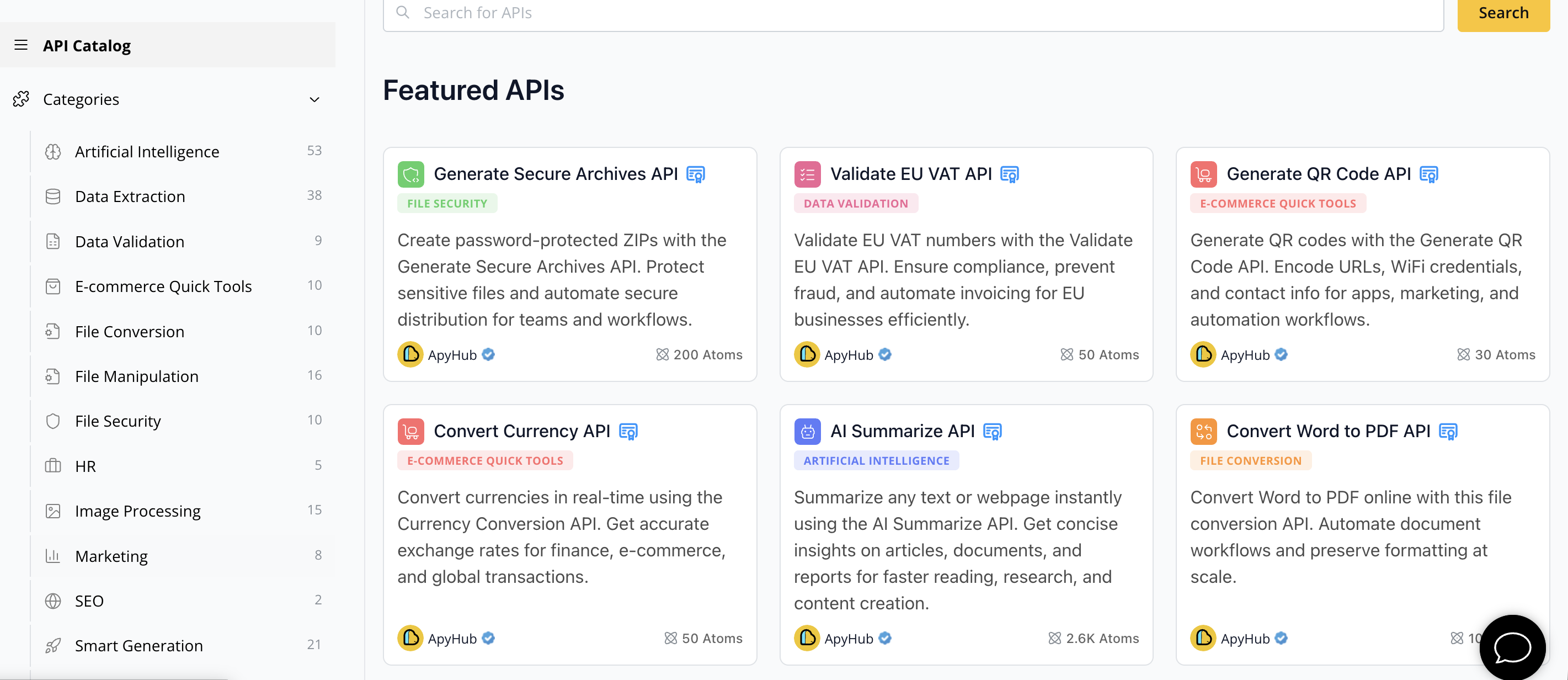
Start streamlining your projects today by exploring ApyHub API Marketplace. Unlock the power of advanced OCR, text extraction, and document automation APIs specially designed to handle complex visual data and security challenges. Don’t wait to reduce your development time and improve accuracy—discover how our trusted APIs can transform your image to text conversion workflows now at ApyHub.
Frequently Asked Questions
What is image to text conversion?
Image to text conversion is a technological process that transforms visual information from images into machine-readable text using artificial intelligence techniques, including computer vision and natural language processing algorithms.
How does the image to text conversion process work?
The process typically involves several stages, including image preprocessing, text detection, character recognition, and language understanding, allowing for precise extraction and recognition of text from images.
What types of image to text APIs are available?
There are several types of image to text APIs, including traditional OCR APIs for standard document scanning, AI-powered OCR APIs for enhanced accuracy, specialized document APIs for extracting data from complex documents, and multilingual recognition APIs for handling multiple languages.
What are the benefits of integrating image to text APIs into workflows?
Integrating image to text APIs can streamline documentation processes, increase efficiency, reduce human error, and enhance data accessibility, making it easier for developers to manage and manipulate text extracted from visual sources.