
Doc to PDF Conversion: Key Use Cases for Developers

Over half of all American businesses rely on PDFs for secure document sharing and preservation. This universal file format has become a standard in everything from legal contracts to academic research because it ensures documents display exactly as intended. Understanding the process behind converting everyday files into PDFs reveals how developers and organizations can protect document integrity, improve accessibility, and simplify digital workflows.
01Table of Contents
- Doc to PDF Conversion Explained
- Core Use Cases in Modern Development
- Integration Patterns and Workflow Automation
- Security, Compliance, and Document Integrity
- Common Pitfalls and Best Practices
02Key Takeaways
| Point | Details |
|---|---|
| PDF Conversion Importance | Converting documents to PDF ensures consistent visual presentation and protects design integrity across platforms. |
| Accessibility Considerations | Developers must ensure converted PDFs retain searchable text, compatibility with screen readers, and original formatting. |
| Integration Strategies | Implementing automated PDF conversion via APIs enhances efficiency and reduces errors in document processing workflows. |
| Security Measures | Sophisticated security protocols are essential for protecting sensitive information during PDF conversion and maintaining document integrity. |
03Doc to PDF Conversion Explained
Portable Document Format (PDF) represents a universal file standard that enables consistent document rendering across different platforms and devices. Developed by Adobe in 1992, PDFs preserve exact text formatting, graphics, and layout regardless of the original creation software.
Converting documents to PDF involves transforming source files like Word documents, text files, or web pages into a standardized format that maintains visual fidelity. Document conversion serves multiple critical purposes for developers and organizations, including:
- Ensuring consistent visual presentation
- Protecting document design integrity
- Creating platform independent file formats
- Supporting digital archiving requirements
- Enabling secure document sharing
PDF conversion goes beyond simple file transformation. Proper accessibility considerations mean developers must ensure converted documents retain critical features like:
- Searchable text layers
- Screen reader compatibility
- Preserved document structure
- Maintaining original formatting
- Supporting text highlighting
Modern PDF conversion processes leverage advanced APIs and libraries that can handle complex formatting, multiple page layouts, and embedded media with high precision. These tools automate what was previously a manual and error-prone process, allowing developers to programmatically transform documents with minimal overhead.
Pro Tip: Always validate your PDF conversion process by checking text extraction, font rendering, and accessibility tags before finalizing any document transformation workflow.
04Core Use Cases in Modern Development
Developers encounter numerous scenarios where PDF conversion becomes a critical technical requirement across different application domains. Advanced neural network techniques are transforming document processing, enabling more sophisticated and intelligent conversion workflows that go far beyond simple file transformation.
Document conversion serves multiple strategic purposes in modern software development, including:
- Academic research document standardization
- Legal and compliance document archiving
- Enterprise content management systems
- Technical documentation generation
- Cross-platform document accessibility
- Knowledge management platforms
- Digital library infrastructure
Information retrieval represents a particularly significant use case where PDF conversion plays a crucial role. Transforming academic documents into structured markup languages enables more flexible and scalable digital content workflows, allowing developers to create more adaptive information systems.
The core development use cases for PDF conversion span multiple technical domains:
- Web applications requiring document standardization
- Machine learning training data preparation
- Automated content extraction pipelines
- Search engine indexing systems
- Accessibility technology development
- Archival and preservation systems
Modern development teams leverage PDF conversion APIs to streamline complex document processing tasks, reducing manual intervention and increasing overall system efficiency. These APIs provide robust tools for handling various document types, preserving formatting, and extracting critical information with minimal computational overhead.

Here's a summary of common PDF conversion API features and how they impact development workflows:
| Feature | Developer Benefit | Business Impact |
|---|---|---|
| Metadata extraction | Simplifies info retrieval | Enables advanced search/filtering |
| Format preservation | Reduces post-conversion fixes | Ensures branding consistency |
| Accessibility support | Aids compliance programming | Expands audience reach |
| Error handling | Minimizes manual intervention | Reduces operational risk |
| Scalability options | Adapts to workload changes | Supports business growth |
Pro Tip: Select PDF conversion APIs that offer comprehensive metadata extraction and support multiple input formats to maximize your development flexibility.
05Integration Patterns and Workflow Automation
Advanced PDF conversion technologies are transforming how developers approach document processing workflows, enabling more intelligent and streamlined integration strategies across multiple platforms and applications. These technologies go beyond simple file transformation, creating sophisticated automation pipelines that can dramatically reduce manual intervention.
Workflow integration for PDF conversion typically involves several critical architectural patterns:
- Batch processing systems
- Real-time document transformation APIs
- Microservice-based conversion endpoints
- Event-driven document processing pipelines
- Serverless conversion functions
- Distributed processing architectures
Neural network implementations have revolutionized document processing by enabling direct extraction and transformation of low-level PDF data representations. This approach allows developers to build more robust and flexible conversion systems that can handle complex document structures with minimal computational overhead.
Key integration strategies for modern PDF conversion workflows include:
- Implementing webhook-based asynchronous processing
- Creating flexible input format support
- Developing standardized transformation rules
- Building scalable queuing mechanisms
- Implementing comprehensive error handling
- Designing modular conversion microservices
Successful integration requires careful consideration of performance, scalability, and reliability. Modern PDF conversion APIs must support multiple input formats, provide detailed metadata extraction, and offer configurable transformation rules to meet diverse enterprise requirements.

Pro Tip: Design your PDF conversion workflow with horizontal scaling in mind, implementing stateless processing endpoints that can dynamically handle variable document conversion loads.
The table below compares manual versus automated PDF conversion methods:
| Aspect | Manual Conversion | Automated API Conversion |
|---|---|---|
| Speed | Slow, resource-intensive | Fast, high throughput |
| Error rate | Prone to human mistakes | Consistent, lower error rate |
| Scalability | Limited by staff | Easily scales with demand |
| Integration flexibility | Hard to automate | Integrates with workflows easily |
| Ongoing maintenance | Labor-intensive | Minimal with routine monitoring |
06Security, Compliance, and Document Integrity
PDF document security represents a critical concern for developers working with complex file transformation and information management systems. The inherent complexity of PDF file formats creates multiple potential vulnerability points that require sophisticated mitigation strategies.
Document integrity encompasses several key security dimensions:
- Preventing unauthorized document modifications
- Protecting sensitive information during conversion
- Validating document authenticity
- Ensuring content preservation
- Managing access controls
- Implementing encryption protocols
- Detecting potential malware embeddings
Cybersecurity professionals recognize PDFs as potentially complex attack vectors. Modern conversion technologies must implement robust security checks that go beyond simple file transformation, including:
- Static code analysis
- Embedded script validation
- Comprehensive metadata scrubbing
- Sanitization of potentially dangerous content
- Secure transformation pipelines
- Multi-layer integrity verification
Compliance requirements add additional layers of complexity to PDF conversion workflows. Organizations must navigate intricate regulatory landscapes that demand precise document handling protocols, including maintaining chain of custody, preserving original document characteristics, and ensuring complete audit trails throughout the conversion process.
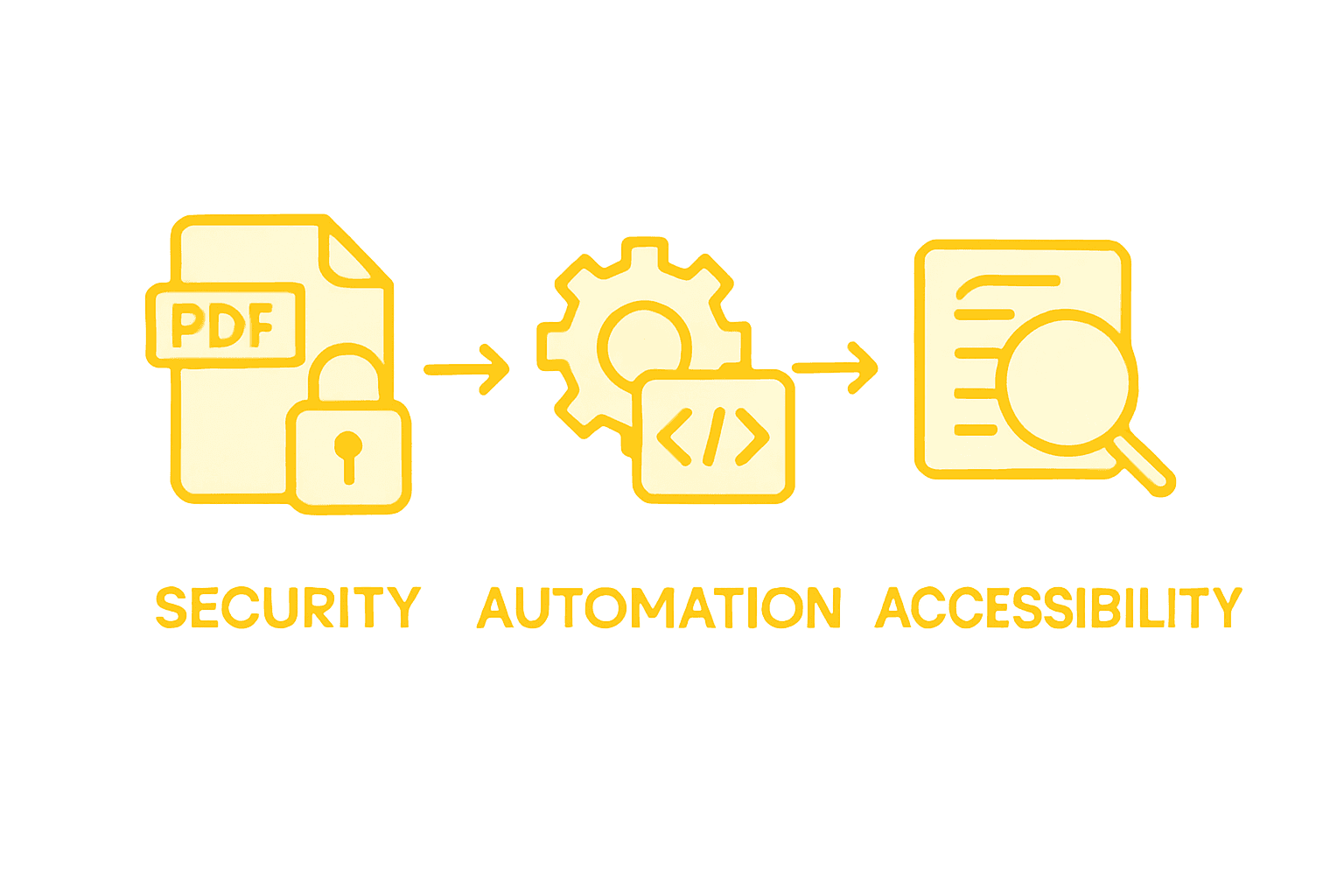
Successful security implementation requires a holistic approach that combines technical safeguards, rigorous validation processes, and comprehensive monitoring mechanisms. Advanced PDF conversion APIs must provide granular control over document transformation, enabling developers to implement precise security configurations tailored to specific organizational requirements.
Pro Tip: Always implement least-privilege access controls and use tokenized, time-limited transformation endpoints to minimize potential security exposure during document processing.
07Common Pitfalls and Best Practices
Document conversion presents numerous technical challenges that developers must carefully navigate to ensure high-quality, reliable PDF transformations. Understanding these potential obstacles is crucial for implementing robust and efficient conversion workflows.
Common conversion pitfalls developers frequently encounter include:
- Losing formatting during transformation
- Creating non-searchable image-based PDFs
- Failing to preserve document structure
- Mishandling complex layout elements
- Ignoring accessibility requirements
- Overlooking metadata preservation
- Generating inconsistent file sizes
Accessibility represents a critical consideration in PDF conversion. Proper document preparation before conversion is essential for maintaining document integrity and ensuring compatibility across different platforms and assistive technologies.
Best practices for reliable PDF conversion involve multiple strategic approaches:
- Validate input document structure
- Use standardized conversion libraries
- Implement comprehensive error handling
- Test across multiple document types
- Monitor conversion performance metrics
- Maintain granular logging mechanisms
- Develop fallback transformation strategies
Successful PDF conversion requires a comprehensive approach that balances technical precision with flexibility. Developers must design systems that can handle diverse document types, preserve critical formatting elements, and maintain high performance under variable computational conditions.
Pro Tip: Always perform multiple test conversions with representative document samples to identify potential edge cases and establish robust conversion reliability before deploying production systems.
08Accelerate Your Doc to PDF Conversion Workflows with Reliable APIs
Converting documents to PDF while preserving formatting, accessibility, and security is a complex challenge developers face every day. This article highlights the need for consistent visual presentation, metadata extraction, and scalable integration patterns that reduce errors and manual effort. If you want to streamline PDF conversion and ensure compliance and document integrity with ease, it is vital to adopt ready-to-use solutions that handle these technical hurdles effectively.
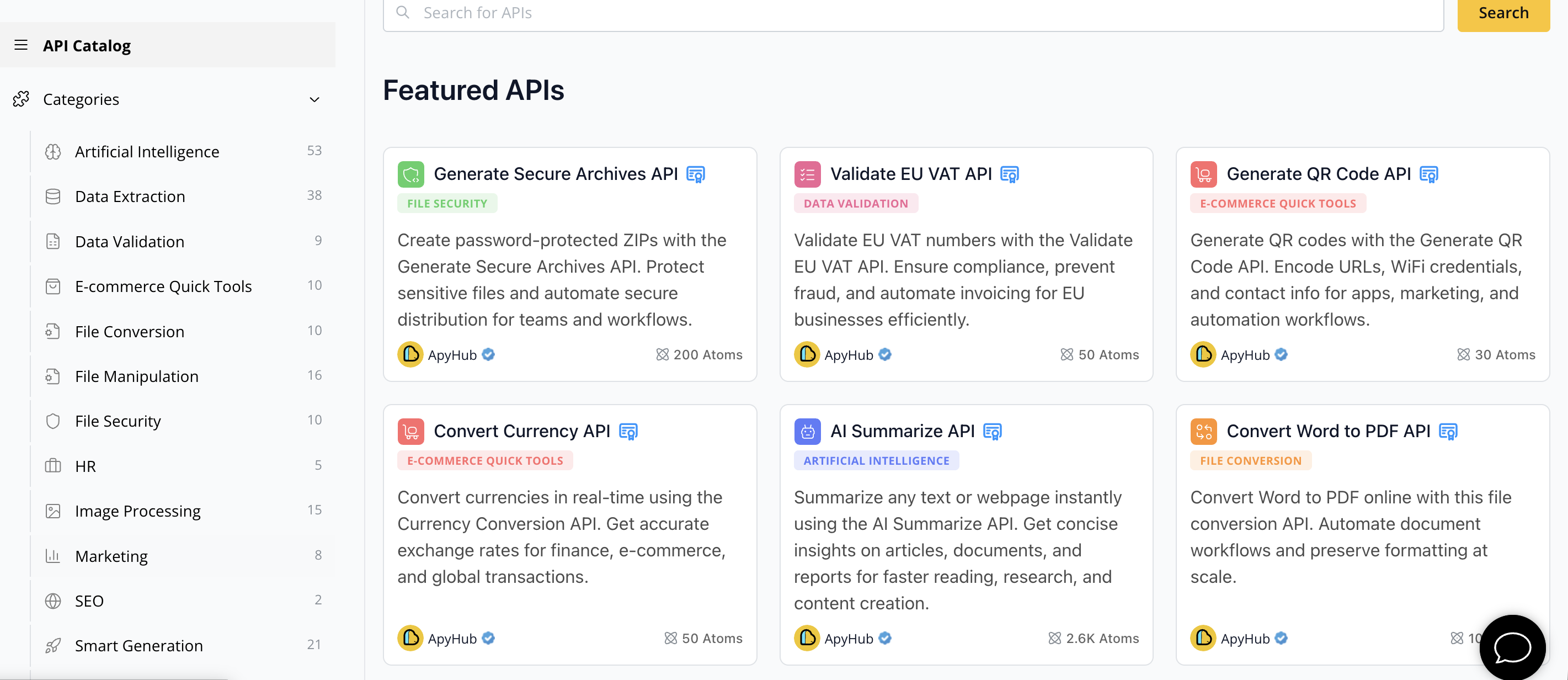
Unlock fast, scalable, and secure document conversion by exploring the range of APIs at ApyHub's catalog. Designed for developers and product teams, these APIs eliminate the risk of building your own systems from scratch by providing trustworthy integrations for file conversion, metadata extraction, and content preservation. Don't let manual document processing slow down your projects. Visit ApyHub today and start shipping reliable document workflows in record time.
09Frequently Asked Questions
What are the benefits of converting documents to PDF?
Converting documents to PDF ensures consistent visual presentation, protects document design integrity, creates platform-independent file formats, supports digital archiving, and enables secure document sharing.
How can developers ensure that the converted PDFs are accessible?
Developers should ensure that converted PDFs retain critical features like searchable text layers, screen reader compatibility, preserved document structure, and support for text highlighting during the conversion process.
What are common pitfalls when converting documents to PDF?
Common pitfalls include losing formatting during transformation, creating non-searchable image-based PDFs, failing to preserve document structure, and overlooking accessibility requirements.
How does automated PDF conversion compare to manual methods?
Automated PDF conversion is faster, more scalable, and has a lower error rate compared to manual methods, which are slow, resource-intensive, and prone to human mistakes.
10Recommended
11About ApyHub
ApyHub is the distribution and consumption layer for APIs: a curated, certified catalog that developers and AI agents use as a trusted operational layer. The catalog spans 200+ APIs and 1,000+ endpoints, available under a single subscription priced in atoms, ApyHub's unified usage unit. Every API ships with machine-readable certification covering GDPR, SOC 2, and ISO 27001 alignment, and every endpoint is MCP-ready by default. ApyHub is headquartered in Amsterdam, with offices in the Netherlands, Greece, and India, and serves 65,000+ monthly developer workspaces . The free tier requires no card. Building an API? Become a provider →