apyhub
GEOLOCATION · STANDARD DATA

Convert Timezone and Meeting Planner API

What it does

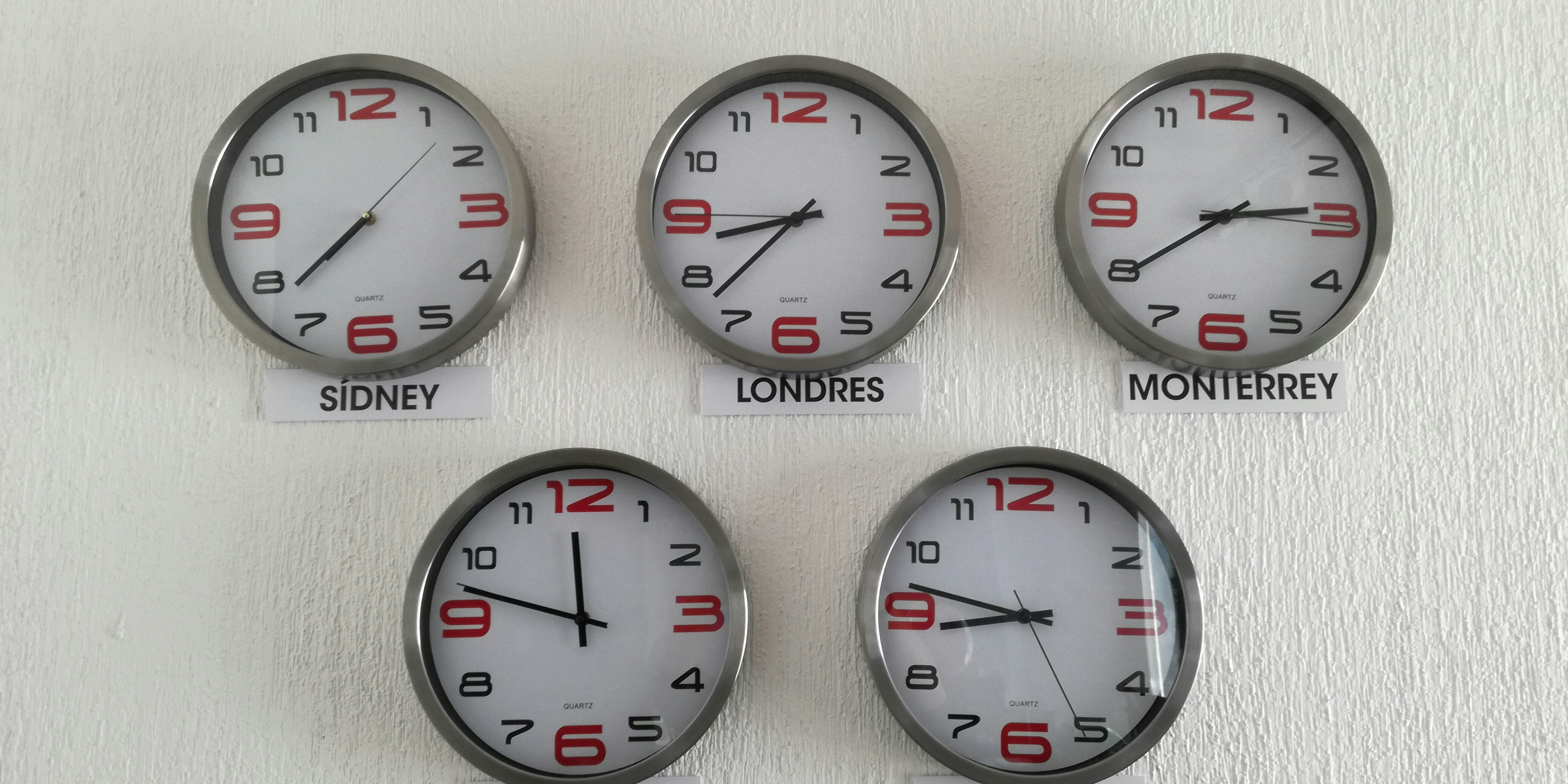
Timezone Converter turns a local datetime into one or more target time zones, with DST-aware offsets and abbreviations. It also supports meeting planning across multiple IANA zones and a current-time lookup for a pinned instant.

Send mode with convert, meeting, or now. In convert mode, provide from_tz, to_tz, and datetime_str to translate a local ISO 8601 datetime from one IANA timezone into target zones. In meeting and now modes, pass zones; optionally pin the reference instant with now_epoch, and set work_start and work_end for meeting planning.

The response includes structured timezone results for the source, UTC, and each requested target zone. For each zone, you get date, time, datetime, weekday, is_dst, utc_offset, utc_offset_minutes, and tz_abbreviation. That makes it useful when you need to show local times in scheduling tools, coordinate distributed teams, or convert appointment times without hard-coding offset logic.

Use Timezone Converter when your app stores times in one region but displays them in another, or when you need to compare working hours across offices in different time zones.

POST
DST-correct timezone conversion + multi-zone meeting planner.
http://localhost:8080/creightonnick0/timezone-conversion
QUICKSTARTGUIDE

Quickstart

Convert one local date/time from a source timezone into UTC and the requested target timezones.

curl -X POST "http://localhost:8080/creightonnick0/timezone-conversion" \
  -H "apy-token: $APY_TOKEN" \
  -H "Content-Type: application/json" \
  -d '{
    "mode": "convert",
    "from_tz": "America/New_York",
    "to_tz": "Europe/London,Asia/Tokyo",
    "datetime_str": "2026-07-15T14:00:00"
  }'

What you'll get back

Returns a JSON object with utc, source, and targets objects, plus a mode string. Each timezone object includes fields like date, time, datetime, utc_offset, and tz_abbreviation, describing the converted instant.

{
  "utc": {
    "date": "2026-07-15",
    "time": "18:00:00",
    "is_dst": true,
    "weekday": "Wednesday",
    "datetime": "2026-07-15T18:00:00Z",
    "utc_offset": "+00:00",
    "tz_abbreviation": "UTC",
    "utc_offset_minutes": 0
  },
  "mode": "convert",
  "source": {
    "tz": "America/New_York",
    "date": "2026-07-15",
    "time": "14:00:00",
    "is_dst": true
  },
  "targets": {
    "Europe/London": {
      "date": "2026-07-15",
      "time": "19:00:00"
    },
    "Asia/Tokyo": {
      "date": "2026-07-16",
      "time": "03:00:00"
    }
  }
}
TRY ITLIVE · 10 ATOMS
Loading your default key…
The full key is used to call the gateway and stays in this tab — never sent to orbit or saved.
body
convert | meeting | now
Target IANA zone(s), comma-separated (convert mode)
Comma-separated IANA zones (meeting / now modes)
Source IANA timezone (convert mode)
Working-day end hour, 1-24 (meeting mode, default 17)
now/meeting modes: unix seconds to pin the reference instant (default: the actual current time)
Working-day start hour, 0-23 (meeting mode, default 9)
The local datetime, ISO 8601 (convert mode)

About this endpoint

What it does

Converts or plans time across time zones using DST-aware timezone data. The request body supports three modes via mode: convert, meeting, and now.

Request Body

ParameterTypeMandatoryDescription
modeStringNoconvert | meeting | now
to_tzStringNoTarget IANA zone(s), comma-separated. Used in convert mode.
zonesStringNoComma-separated IANA zones. Used in meeting and now modes.
from_tzStringNoSource IANA timezone. Used in convert mode.
work_endIntegerNoWorking-day end hour, 1-24. Used in meeting mode. Default: 17.
now_epochIntegerNoUnix seconds to pin the reference instant for now and meeting modes. Default: actual current time.
work_startIntegerNoWorking-day start hour, 0-23. Used in meeting mode. Default: 9.
datetime_strStringNoLocal datetime in ISO 8601 format. Used in convert mode.

Response

Returns a JSON object with utc, mode, source, and targets top-level fields. utc and source are objects with timezone-converted date/time details, while targets is an object that can contain per-zone objects such as Asia/Tokyo and Europe/London, each with the same date/time metadata fields.

ParameterTypeMandatoryDescription
utcObjectNoUTC-formatted conversion details: date, time, is_dst, weekday, datetime, utc_offset, tz_abbreviation, utc_offset_minutes.
modeStringNoThe mode used for the operation.
sourceObjectNoSource timezone details: tz, date, time, is_dst, weekday, datetime, utc_offset, tz_abbreviation, utc_offset_minutes.
targetsObjectNoTarget timezone details keyed by zone name. The schema defines Asia/Tokyo and Europe/London, each with date, time, is_dst, weekday, datetime, utc_offset, tz_abbreviation, and utc_offset_minutes.

Notes

The request schema does not mark any body fields as required, so callers should supply the fields that match the chosen mode. The response schema also only defines Asia/Tokyo and Europe/London under targets; other zones are not documented in the schema.
Body

Name
Type
Description
bodyOPTIONAL
object
▣ COMMON ERRORS

Errors any endpoint can return

400bad_request

Required parameter missing or malformed body.

401unauthorized

API key missing, revoked, or not authorized for this service.

429rate_limited

Your plan's per-second rate exceeded. Retry with exponential backoff.

503upstream_busy

Backend temporarily unavailable. Try again in a few seconds.