apyhub
Back

Generate QR Code as SVG API

What it does

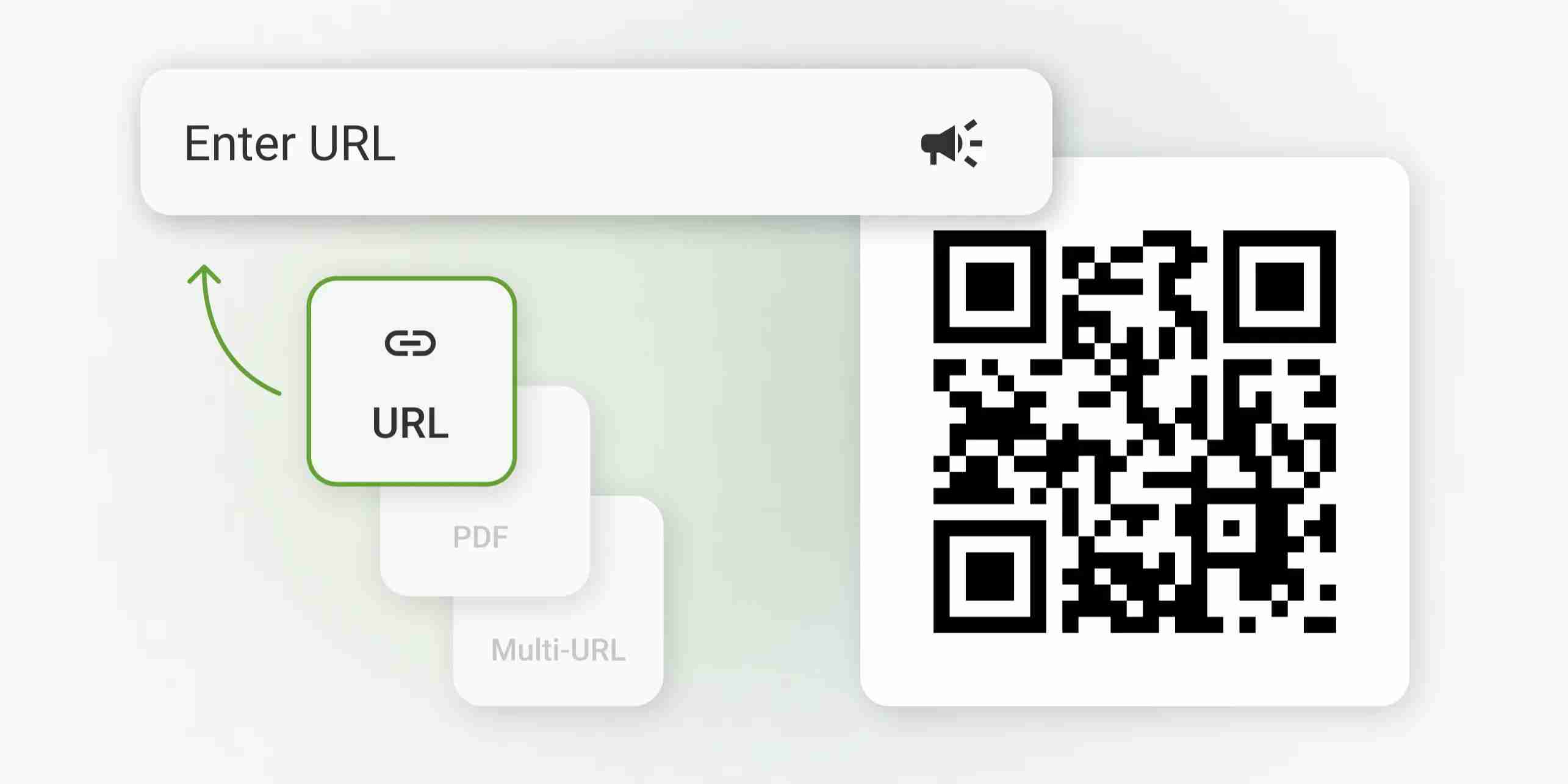
QR Code Generator turns a string of text into a valid SVG QR code. Send a required text value in the request body, and you can also set format to either json or svg.

Use it when you need a QR code for a URL, payment link, onboarding flow, product label, or offline handoff. Because the endpoint returns a valid SVG QR code, it fits well in web apps, print layouts, and any workflow that needs a crisp, scalable code rather than a raster image.

The input is intentionally small: just the text you want encoded, with no extra fields to manage. That makes it easy to generate codes from user-entered strings, generated links, or internal identifiers without adding formatting logic in your app.

The default response is JSON containing the SVG markup, a data URL for use in an img tag, and the image size. Set format to svg to get the raw SVG file instead, so you can treat this as a focused generation step in a larger document or asset pipeline.

POST
Generate a QR code as valid SVG
https://api.eu.apyhub.com/freedailypro/generate-qr-code-as-svg-api

QUICKSTART

GUIDE

Quickstart

Generate a QR code from the required text, optionally choosing the output format.

curl -X POST "https://api.eu.apyhub.com/freedailypro/generate-qr-code-as-svg-api" \
  -H "apy-token: $APY_TOKEN" \
  -H "Content-Type: application/json" \
  -d '{
    "text": "https://apyhub.com",
    "format": "json"
  }'

What you'll get back

By default, a JSON object with the QR code as SVG markup and as a data URL:

{
  "tool": "...",
  "result": {
    "svg": "<svg ...>...</svg>",
    "dataUrl": "data:image/svg+xml;...",
    "width": 256,
    "height": 256
  }
}
TRY ITLIVE · 10 ATOMS
Loading your default key…
The full key is used to call the gateway and stays in this tab — never sent to orbit or saved.
body*

About this endpoint

What it does

Generates a QR code from the provided text and returns it as a scalable SVG. By default the response is JSON that contains the SVG markup, a data URL and the image size. Set format to svg to get the raw SVG file instead.

Request Body

ParameterTypeMandatoryDescription
textStringYesThe text to encode into the QR code. Minimum length: 1.
formatENUMNoOutput format. Allowed values: json, svg. Default: json.

Response

By default (format omitted or json) the endpoint returns a JSON object. With format set to svg it returns the raw SVG file (image/svg+xml) instead.

ParameterTypeDescription
toolStringName of the tool that generated the QR code.
result.svgStringThe QR code as SVG markup.
result.dataUrlStringThe same QR code as a data URL (data:image/svg+xml), ready to use in an img tag.
result.widthNumberImage width in pixels.
result.heightNumberImage height in pixels.
▣ COMMON ERRORS

Errors any endpoint can return

400bad_request

Required parameter missing or malformed body.

401unauthorized

API key missing, revoked, or not authorized for this service.

429rate_limited

Your plan's per-second rate exceeded. Retry with exponential backoff.

503upstream_busy

Backend temporarily unavailable. Try again in a few seconds.