About this endpoint
What it does
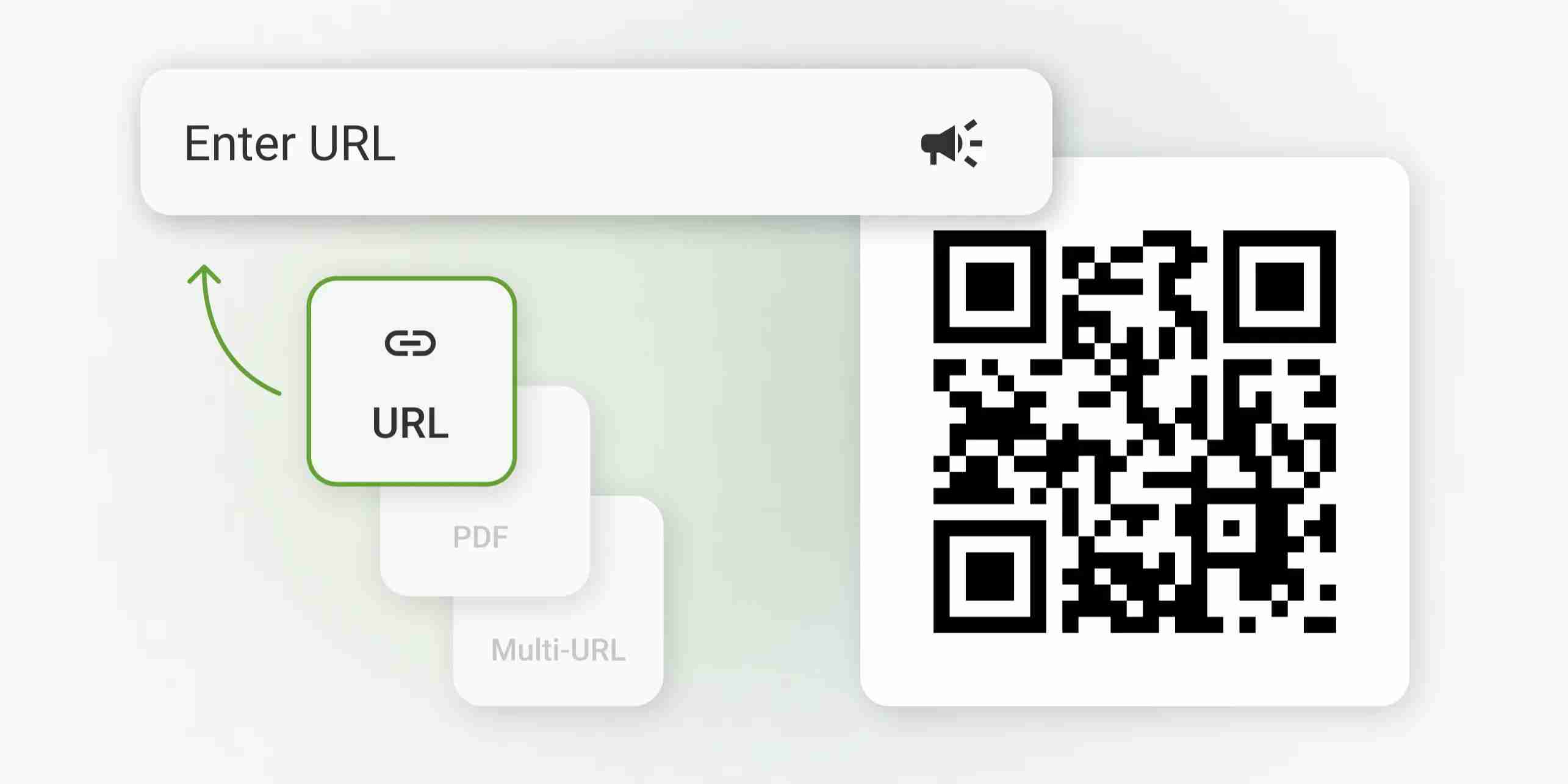
Generates a QR code from the provided input data and returns it as a binary file. The QR code output can be formatted as either PNG or SVG, depending on the request body.
Request Body
| Parameter | Type | Mandatory | Description |
|---|---|---|---|
| bg | String | No | Background colour, hex such as FFFFFF. Default: FFFFFF. |
| fg | String | No | Foreground colour, hex such as 000000. Default: 000000. |
| ecc | ENUM | No | Error correction level. Allowed values: L, M, Q, H. Default: M. |
| data | String | No | Text or URL to encode. Required for encoding text or URL data. |
| size | Integer | No | Width and height in pixels. Minimum: 64, maximum: 2000. Default: 512. |
| type | ENUM | No | QR content type. Allowed values: text, url, wifi, vcard, otpauth. Default: text. |
| format | ENUM | No | Output format. Allowed values: png, svg. Default: png. |
| margin | Integer | No | Quiet zone around the code, in modules. Minimum: 0, maximum: 20. Default: 4. |
| vcard_org | String | No | Company, for type vcard. |
| vcard_url | String | No | Website, for type vcard. |
| wifi_ssid | String | No | Network name, for type wifi. |
| otp_issuer | String | No | Service name shown in the authenticator app, for type otpauth. |
| otp_secret | String | No | Base32 TOTP secret, for type otpauth. |
| vcard_name | String | No | Full name, for type vcard. |
| otp_account | String | No | Account name such as an email address, for type otpauth. |
| vcard_email | String | No | Email address, for type vcard. |
| vcard_phone | String | No | Phone number, for type vcard. |
| wifi_hidden | Boolean | No | Indicates that the network does not broadcast its name, for type wifi. |
| wifi_password | String | No | Network password, for type wifi. |
| wifi_encryption | ENUM | No | Wi-Fi encryption type. Allowed values: WPA, WEP, nopass. |
Response
Returns a binary file containing the generated QR code image. The response schema is a single binary string, so the success payload is not JSON.