apyhub
MARKETING · SMART GENERATION

Generate Branded QR Code API

What it does

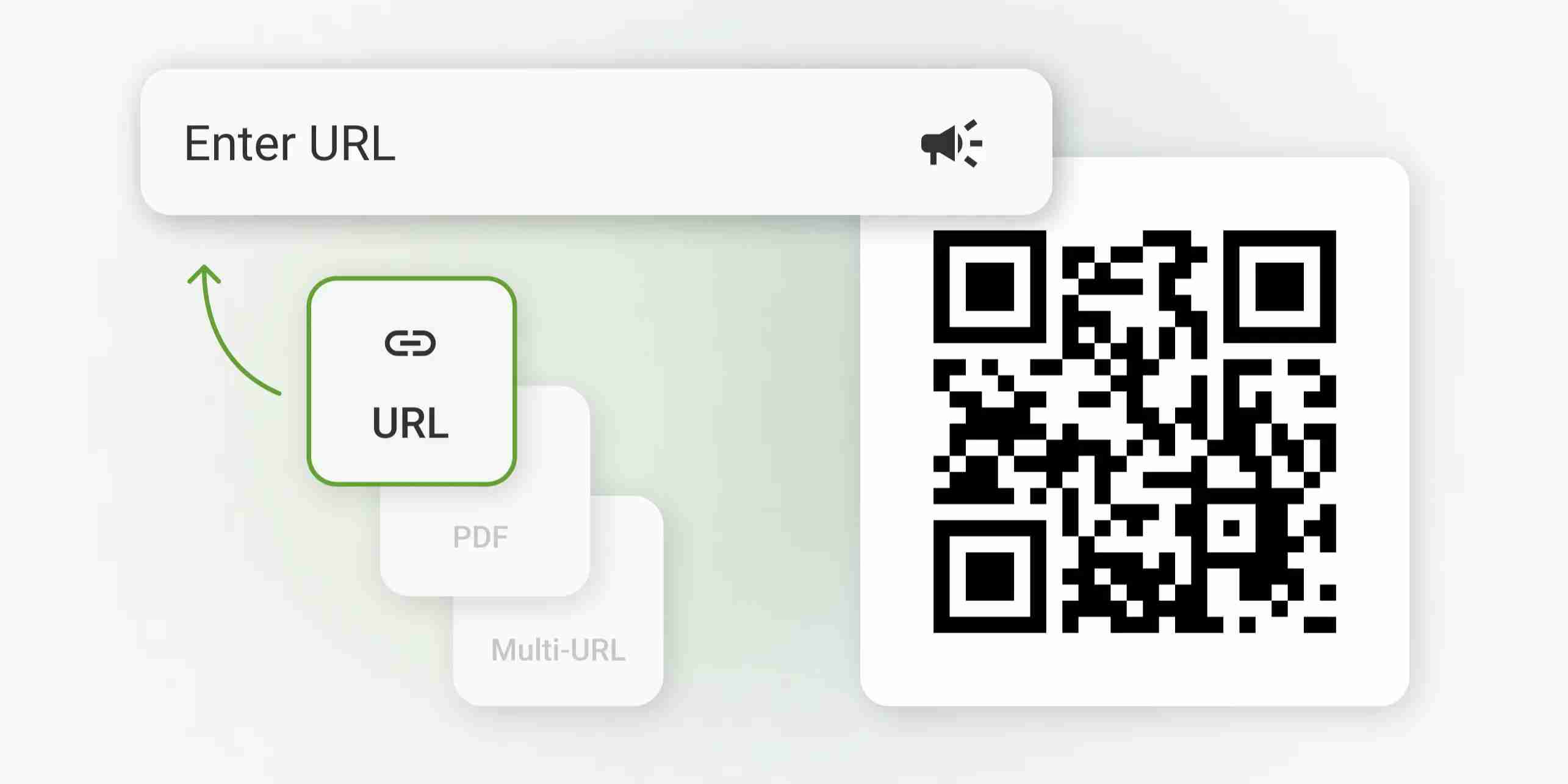
Branded QR Code Generator creates a QR code image from text or a URL, with optional logo overlay and basic color controls. Send the content you want encoded, and you get back a binary image suitable for download, embedding, or print workflows.

Use the content field for the URL or text to encode. If you want a custom look, include an optional logo image for the center overlay, choose the output size between 256 and 2048, and set background and foreground colors to match your brand. The defaults are a white background and dark foreground for strong scan contrast.

This is a good fit for product packaging, event badges, posters, restaurant menus, and marketing materials where a standard black-and-white QR code would look out of place. Because the output is binary image data, you can pipe it straight into storage, a file response, or an image-processing step without extra conversion.

POST
Generate a branded QR code with embedded logo and style controls
http://localhost:8080/dosvak/generate-branded-qr-code

QUICKSTART

GUIDE

Quickstart

Upload a logo and the QR content to generate a branded QR code.

curl -X POST "http://localhost:8080/dosvak/generate-branded-qr-code" \
  -H "apy-token: $APY_TOKEN" \
  -F "content=https://apyhub.com" \
  -F "logo=@/path/to/logo.png"

What you'll get back

Returns a binary file (string with format: binary) containing the generated QR code image.

(binary file)
TRY ITLIVE · 100 ATOMS
Loading your default key…
The full key is used to call the gateway and stays in this tab — never sent to orbit or saved.
Max 100MB total per request (all files combined). Larger? Use this API's URL-based endpoint instead, if it has one.
body*
Optional logo image for center overlay
URL or text to encode

About this endpoint

What it does

Generates a branded QR code image from the provided content, with optional center logo overlay and color controls for the QR code foreground and background. The response is a binary image.

Request Body

ParameterTypeMandatoryDescription
contentStringYesURL or text to encode.
logoStringNoOptional logo image for center overlay.
sizeIntegerNoOutput size in pixels. Default: 768; minimum: 256; maximum: 2048.
backgroundStringNoBackground color. Default: #ffffff.
foregroundStringNoForeground color. Default: #111111.

Response

Returns a binary value representing the generated QR code image. The output schema is a single binary payload with no JSON wrapper or named fields.

Body

Name
Type
Description
bodyREQUIRED
object

Max 100MB total per request (all files combined). Larger? Use this API's URL-based endpoint instead, if it has one.

▣ COMMON ERRORS

Errors any endpoint can return

400bad_request

Required parameter missing or malformed body.

401unauthorized

API key missing, revoked, or not authorized for this service.

429rate_limited

Your plan's per-second rate exceeded. Retry with exponential backoff.

503upstream_busy

Backend temporarily unavailable. Try again in a few seconds.